You have a beautiful Figma design — now what? Converting a design into a real, working WordPress site is where many projects fall apart. Fonts render differently, spacing drifts, and the mobile version becomes an afterthought. Here is how we make sure that never happens.
Step 1: Design Audit
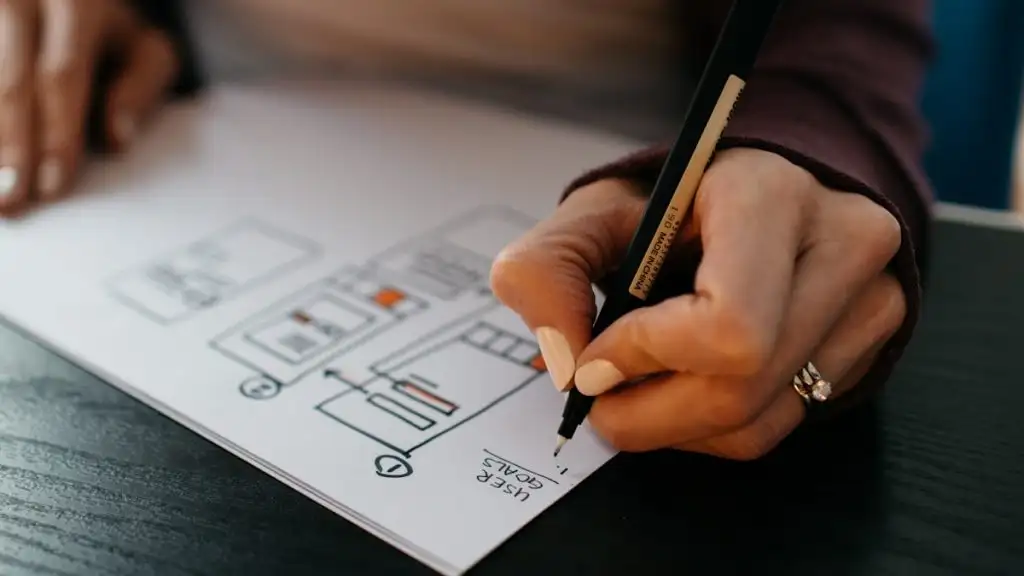
Before writing a single line of code, we review the Figma file for consistency: spacing scales, typography styles, color tokens, and responsive behavior. Catching issues here saves days of rework later.
Step 2: Clean, Component-Based Development
We build with native Gutenberg blocks and clean, semantic code — no bloated page builders. That means your content team can edit everything visually, and the site stays fast because it only loads what it needs.
Step 3: Responsive and Cross-Browser QA
Every page is tested on real devices and all major browsers. We match the design pixel-for-pixel on desktop, and make thoughtful adaptations for tablet and mobile rather than just squeezing things smaller.
Step 4: Performance and Launch
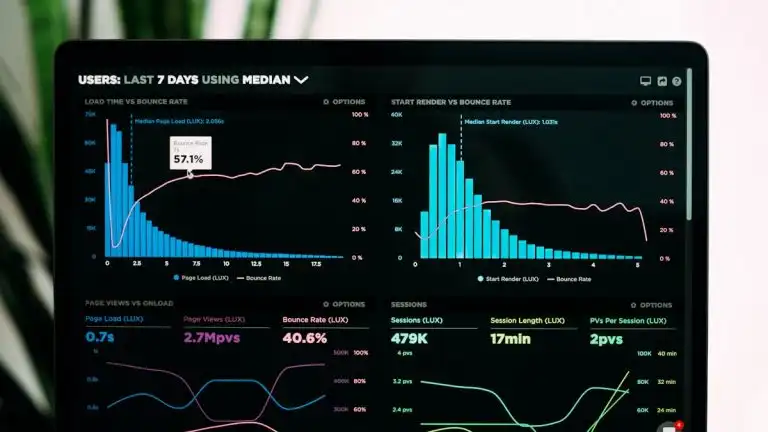
Image optimization, caching, lazy loading, and Core Web Vitals tuning are part of every build — not an upsell. You get a site that scores well on PageSpeed from day one.
Have a Figma design ready to become a website? Send it over and we will give you a fixed quote within 24 hours.